How to Secure Your Bluetooth Against Unauthorized Connections
Understand the risks of leaving Bluetooth enabled and how to reduce your exposure to attacks
In our hyper-connected world, Bluetooth technology is the invisible thread that ties our digital lives together. From wireless earbuds and smartwatches to car infotainment systems and smart home automation, this short-range wireless technology offers unmatched convenience. However, this seamless connectivity comes with a hidden cost: significant security vulnerabilities.
Many users leave their Bluetooth settings on default, completely unaware that their smartphones, laptops, and IoT devices are constantly broadcasting their presence to anyone nearby. Cybercriminals can exploit these open channels to track your location, steal sensitive personal data, inject malicious software, or eavesdrop on private conversations.
Securing your Bluetooth connections is no longer just a recommendation for the tech-savvy—it is a fundamental requirement for anyone looking to maintain personal privacy and data security. This comprehensive guide will break down how Bluetooth works, explain the real-world risks of leaving it unsecured, and provide actionable, step-by-step strategies to lock down your devices against unauthorized access.
Understanding Bluetooth Vulnerabilities: How Hackers Exploit Wireless Connections
To effectively defend your devices, you must first understand how attackers look at Bluetooth technology. Unlike Wi-Fi, which typically requires a password to join a local network, Bluetooth operates on a system of proximity and discovery.
When a device has Bluetooth enabled and is set to “discoverable,” it continuously broadcasts a unique cryptographic identifier known as a MAC address, along with its device name. This is the digital equivalent of standing in a crowded room and shouting your name every few seconds. Anyone within a 30-to-100-foot radius with a basic Bluetooth scanning tool can see your device, note its model, and begin attempting to exploit known vulnerabilities.
Modern Bluetooth standards have introduced better encryption and pairing protocols, but legacy issues and implementation flaws across different manufacturers still leave doors open. Hackers do not always need sophisticated military-grade equipment to breach your security; often, they use freely available open-source software on a standard laptop to scan, intercept, and manipulate wireless traffic.
5 Critical Bluetooth Security Risks You Need to Know
Leaving your Bluetooth configuration exposed opens the door to several specialized cyber attack vectors. While some of these threats are merely annoying, others can result in severe financial fraud or identity theft.
1. Bluejacking
Bluejacking is the practice of sending unsolicited messages to Bluetooth-enabled devices within close proximity. It is often used for advertising or practical jokes, where an attacker sends a mysterious vCard (virtual business card) containing a humorous or shocking message. While Bluejacking does not allow the attacker to access your private files or take control of your device, it serves as a stark reminder of how easily strangers can interact with your hardware without permission.
2. Bluesnarfing
Bluesnarfing is a far more dangerous and predatory attack. In a Bluesnarfing exploit, a hacker uses specialized software to connect to your device without your knowledge or consent. Once the connection is established, the attacker can download your entire contact list, read your SMS text messages, access your private photo gallery, and view your calendar schedule. This attack happens completely in the background, leaving the victim entirely unaware that their personal data has been stolen until it is too late.
3. Bluebugging
Bluebugging represents the ultimate escalation of Bluetooth exploitation. In this scenario, the hacker establishes a hidden connection that grants them administrative control over your phone or laptop. Once inside, they can command your phone to place long-distance calls, send premium-rate text messages, modify system settings, and even activate the microphone to eavesdrop on your physical conversations in real-time.
4. Bluetooth Tracking and Eavesdropping
Because every Bluetooth chip broadcasts a distinct identifier, malicious actors can deploy static scanners in public places like shopping malls, airports, or train stations to track your physical movements. Furthermore, older or poorly implemented Bluetooth audio codecs can be intercepted, allowing cybercriminals to listen in on your wireless phone calls or private voice notes.
5. Man-in-the-Middle (MITM) Attacks
During the initial pairing process between two devices, an attacker can position themselves digitally between them. By intercepting the encryption keys exchanged during pairing, the hacker can sit silently in the middle, reading all data passing between your phone and your wireless headphones or smartwatch without interrupting the connection.
Advanced Bluetooth Protection: Step-by-Step Security Protocols
Securing your wireless ecosystem does not require a degree in computer science. By implementing a few structural changes to how you use your devices daily, you can drastically reduce your attack surface. Follow these practical protocols to protect your hardware.
Change Your Device’s Default Bluetooth Name Immediately
When you unbox a new smartphone or laptop, the default Bluetooth name is usually highly descriptive, such as “John’s iPhone 15 Pro” or “Samsung Galaxy S24 Ultra”.
Leaving this default name active tells a hacker exactly what device you are using. If a specific exploit exists for that particular model or operating system version, the hacker knows instantly that your device is a viable target.
-
The Fix: Change your device name to something completely generic and unidentifiable. Use random words or strings that do not include your real name, your initials, or the exact model of your phone. For example, rename your device to something obscure like “BlueSky88” or “Offline-Device”.
Master the “Turn It Off When Not in Use” Habit
The single most effective way to eliminate Bluetooth threats is to turn off the radio chip when you are not actively using it.
Many users leave Bluetooth running 24/7 simply out of convenience. However, keeping it on while commuting, walking through crowded public areas, or sitting in coffee shops exposes you to unnecessary risks.
-
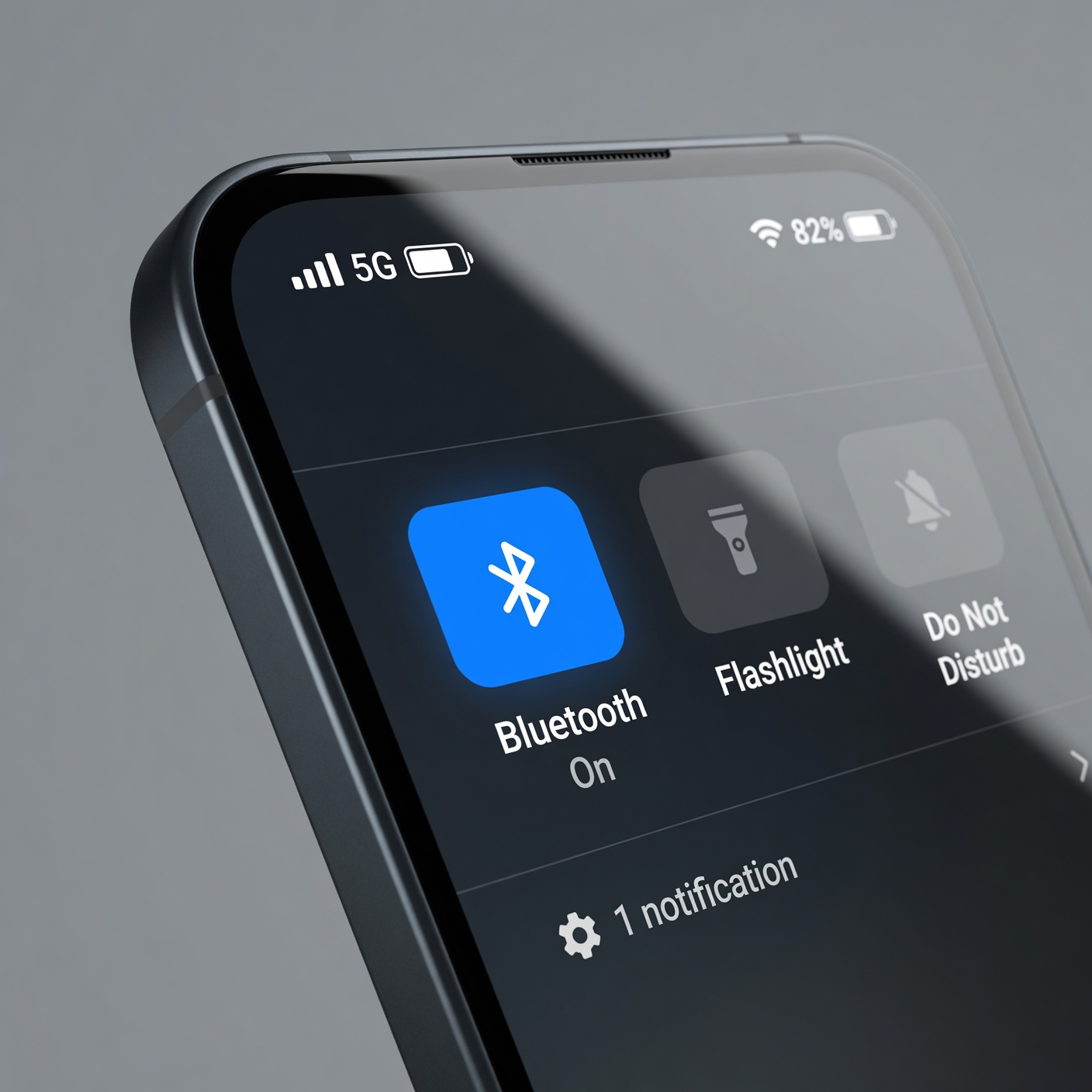
The Fix: Make it a habit to swipe down your control center and toggle Bluetooth off as soon as you disconnect from your home audio system or park your car. If you are going on a flight, walking through a crowded metro station, or sitting in an airport terminal, your Bluetooth should remain firmly turned off unless absolutely necessary.
Manage and Clean Your Paired Devices List Regularly
Over time, your smartphone or laptop accumulates a long list of previously paired devices: rental cars, hotel smart TVs, old headphones, friends’ speakers, and public desktop computers.
Every single device on that saved list represents a potential security backdoor. If one of those external devices is compromised, or if an attacker spoofs the identity of a device on your trusted list, your phone might automatically connect to the malicious source without asking for your approval.
-
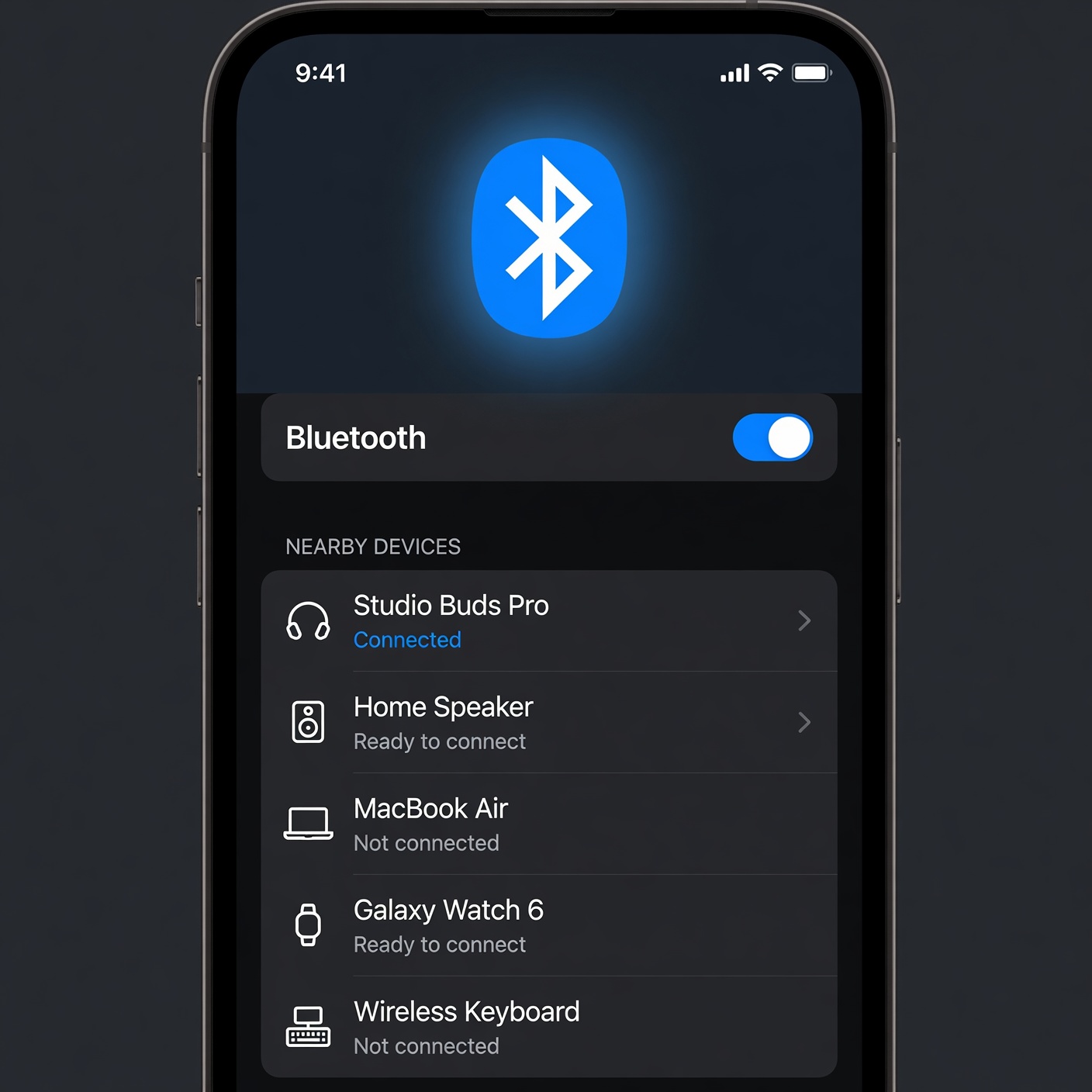
The Fix: Open your Bluetooth settings once a month and audit your list of paired devices. Click “Forget This Device” or “Remove” for any hardware you do not own, no longer use daily, or only paired with temporarily during a trip. Keep your trusted list as lean as possible.
Avoid Pairing Bluetooth Devices in Crowded Public Spaces
When you pair two Bluetooth devices for the first time, they engage in a digital “handshake” where they exchange cryptographic keys. This initial exchange is the most vulnerable moment in the lifecycle of a Bluetooth connection.
If you attempt to pair a new set of headphones while sitting in a busy cafe, an attacker running a packet sniffer nearby can intercept that initial handshake packet and crack the encryption key.
-
The Fix: Always perform the initial pairing process for new gadgets within the safety of your own home, office, or a controlled private environment. Once the secure bond is established, future connections are much harder for outside attackers to compromise.
Never Accept Unexpected Pairing Requests
If you are walking through a public area and a pop-up suddenly appears on your screen asking, “Pair with Device XYZ?” or “Enter PIN to pair with Accessory,” your device is actively being targeted by an unauthorized user.
-
The Fix: Always hit Deny or Cancel immediately. Never assume it is just a system glitch. If the prompt persists, turn off your Bluetooth radio entirely until you have left that specific physical location.
Operating System Lockdown: Securing iOS, Android, Windows, and macOS

Every major operating system handles Bluetooth permissions differently. To ensure complete protection, use the following platform-specific settings to restrict unauthorized access.
Securing Bluetooth on Apple iOS (iPhone & iPad)
Apple’s ecosystem is secure by default, but app permissions can create unexpected leaks. Many third-party apps request Bluetooth access under the guise of functionality, even when they only want to track your location for targeted advertising.
-
Go to Settings > Privacy & Security.
-
Tap on Bluetooth.
-
Review the list of apps that have requested permission to use Bluetooth.
-
Toggle off access for any app that does not strictly require it to function (e.g., social media apps, retail store apps, or casual games).
Securing Bluetooth on Google Android
Because Android is used across hundreds of different manufacturing brands (Samsung, Google Pixel, Motorola), menu names may vary slightly, but the core principles remain the same.
-
Open Settings and navigate to Connected Devices or Connections.
-
Tap on Connection Preferences and select Bluetooth.
-
Ensure that your device visibility is set to Hidden or Not Discoverable to non-paired devices.
-
Go to Settings > Location > Location Services and turn off Bluetooth Scanning. This prevents apps from using the Bluetooth chip to track your physical location even when Bluetooth is turned off.
Securing Bluetooth on Microsoft Windows 11
Laptops are frequent targets for enterprise-level Bluetooth attacks. Restricting how Windows handles incoming connection requests is vital for remote workers.
-
Open Settings (Win + I) and select Bluetooth & Devices.
-
Click on Devices to open advanced settings.
-
Look for the Bluetooth devices discovery setting and change it from Advanced to Default or restrict it completely.
-
Ensure your computer is not set to allow remote devices to wake the system via Bluetooth.
Securing Bluetooth on Apple macOS
MacBooks often handle multiple peripheral connections simultaneously (Magic Mouse, Magic Keyboard, AirPods), making structural hygiene incredibly important.
-
Open System Settings and click on Bluetooth.
-
Turn off Bluetooth when working on public Wi-Fi networks if you are using wired peripherals.
-
Go to System Settings > Privacy & Security > Bluetooth and audit which desktop applications have direct control over your wireless hardware.
The Threat of IoT: Keeping Smart Home Bluetooth Devices Safe
When we think about Bluetooth security, we naturally focus on our smartphones and laptops. However, the rapidly growing Internet of Things (IoT) landscape represents one of the weakest links in modern digital security. Smart locks, wireless security cameras, smart lightbulbs, and home appliances often rely heavily on Bluetooth for setup and control.
Unfortunately, many budget IoT manufacturers prioritize low costs over strong security frameworks. These smart gadgets frequently ship with hardcoded, unchangeable pairing PINs (such as 0000 or 1234) or lack the computing power required to process robust modern encryption algorithms.
If a hacker compromises a Bluetooth-enabled smart lightbulb on your porch, they can use that foothold to intercept data, trace patterns of when you are home, or pivot to more critical devices on your network.
Best Practices for IoT Bluetooth Management
-
Research Before You Buy: Stick to reputable smart home brands that explicitly commit to regular firmware and security updates.
-
Update Firmware Immediately: Whenever a companion app for a smart device notifies you of a software or firmware update, install it right away. These updates frequently contain critical patches for newly discovered wireless security flaws.
-
Disable Unnecessary Smart Features: If your smart washing machine or refrigerator features Bluetooth connectivity that you never actually use, enter the settings menu and disable the wireless radio completely.
The Role of Software Updates in Patching Bluetooth Exploits
One of the most important concepts in digital safety is keeping your software updated. Operating system developers like Apple, Google, and Microsoft constantly track newly discovered software vulnerabilities—often referred to as “Zero-Day exploits.”
When a vulnerability within the core Bluetooth software stack is discovered, developers work around the clock to write a patch that closes that digital loophole. If you continuously delay system updates, you leave your device exposed to known security vulnerabilities that hackers can easily exploit using public blueprints.
Major historical Bluetooth threats, such as the BlueBorne vulnerability suite (which allowed attackers to take control of devices without any user interaction), were systematically neutralized through security patches. If your phone or laptop is running an operating system version that hasn’t been updated in months or years, you are missing these critical defenses.
-
Actionable Advice: Turn on Automatic Updates for all your personal devices. Check manually for security patches at least once a month, especially on older devices that may not download updates reliably in the background.
Debunking Common Bluetooth Security Myths
To properly manage your digital safety, it is helpful to clear up common misconceptions about how wireless signals operate in the real world.
Myth 1: “I’m safe because Bluetooth only works up to 30 feet away.”
While it is true that standard consumer Bluetooth connections begin to drop in quality after 30 to 50 feet, this limitation only applies to standard consumer hardware. Cybercriminals can use high-gain directional antennas—often called “Bluetooth rifles”—to extend their scanning and attack range to more than half a mile in open terrain. Never assume physical distance alone is enough to protect you.
Myth 2: “If my device is set to ‘Hidden,’ hackers can’t find it.”
Setting your device to non-discoverable prevents casual users and standard devices from seeing your name in a list. However, specialized wireless analysis tools can still detect active transmission traffic. If your device is actively communicating with your wireless earbuds, it is transmitting packets, which means its unique MAC address can still be discovered and targeted by an experienced attacker.
Myth 3: “Bluetooth encryption protects everything automatically.”
While modern Bluetooth versions (like Bluetooth 5.0 and later) feature significantly stronger encryption standards than their predecessors, this encryption is only as secure as the weakest link in the chain. If you pair your advanced smartphone with a cheap, poorly secured third-party wireless speaker, the connection will default to a lower security standard, leaving your data vulnerable.
A Comprehensive Bluetooth Security Checklist for Daily Use
To make this advice easy to follow, use this simple daily checklist to keep your wireless devices secure:
| Action Item | Frequency | Why It Matters |
| Turn off Bluetooth | Daily (when leaving home or office) | Eliminates the attack surface in high-risk public environments. |
| Audit paired devices | Monthly | Removes outdated and potentially compromised connections. |
| Check app permissions | Quarterly | Prevents data collection and background location tracking. |
| Apply system updates | As soon as released | Patches zero-day exploits and critical wireless security holes. |
| Use generic device names | Once (and check after updates) | Prevents hackers from identifying your specific device model. |
Prioritizing Wireless Security for Long-Term Digital Peace of Mind
Bluetooth technology provides incredible value, making our daily tech interactions smoother and more efficient. However, ignoring the security risks associated with wireless connections leaves a massive blind spot in your personal cyber defenses.
By taking control of your device configurations, staying aware of your physical surroundings, changing default settings, and turning off the radio chip when it isn’t needed, you can enjoy all the benefits of wireless convenience without compromising your personal privacy or financial security.
Protecting your digital space doesn’t have to be overwhelming. Start small: open your phone’s settings right now, change your device’s broadcast name to a generic title, and delete any old paired hardware you no longer use. Taking these simple steps today keeps your personal data safe from unauthorized access tomorrow.