What you should never share on social media
Learn what not to post on social media to avoid problems
In the digital age, social media has become an extension of our physical lives. We use it to celebrate milestones, stay connected with distant friends, and document our daily experiences. However, the line between “sharing” and “oversharing” has become increasingly blurred. While the internet offers incredible connectivity, it also operates on a principle of permanence. Once information is out there, it is nearly impossible to fully retract.
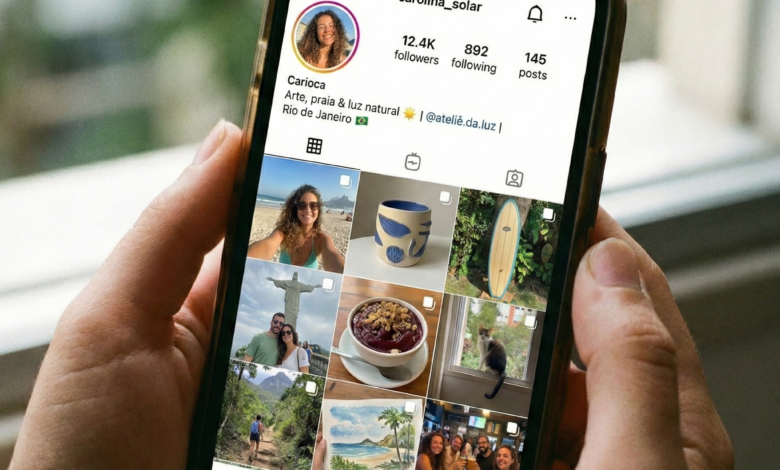
Cybercriminals, identity thieves, and even potential employers are constantly scanning social media profiles to gather data. What might seem like an innocent photo or a funny “getting to know you” quiz can actually be the final piece of a puzzle someone needs to compromise your security. In this guide, we will explore the critical categories of information you should strictly keep off your social media feeds to protect your identity, your finances, and your physical safety.
The Concept of the Digital Footprint: Why Privacy Matters

Before diving into the specific items to avoid, it is essential to understand the “Digital Footprint.” Every post, tag, comment, and “like” contributes to a permanent archive of your life. This data is often sold to advertisers, but more dangerously, it is harvested by hackers using Open Source Intelligence (OSINT) techniques.
Even if your profile is set to “private,” you are only as secure as your least secure friend. Screenshots can be taken, accounts can be hacked, and data breaches can expose “private” posts. Treating every post as if it were public is the first step toward true digital safety.
1. Personally Identifiable Information (PII): The Identity Thief’s Goldmine
Personally Identifiable Information, or PII, is any data that can be used to distinguish or trace an individual’s identity. This is the primary target for identity thieves.
Full Birth Dates
While it’s nice to receive birthday wishes, sharing your exact birth date (especially the year) provides hackers with one of the most common verification data points used by banks and government agencies. If you must share your birthday, consider hiding the year from your profile.
Home and Email Addresses
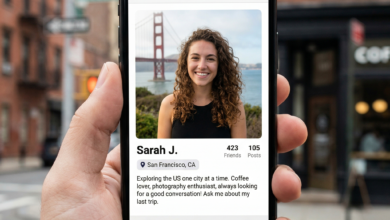
Your home address should never be public. It facilitates “swatting” (calling emergency services to someone’s house as a prank), stalking, and physical theft. Similarly, making your primary email address public makes it significantly easier for hackers to target you with sophisticated phishing attacks.
Phone Numbers
Sharing your phone number opens the door to “SIM swapping” attacks, where a hacker convinces your mobile provider to switch your number to their device. This allows them to bypass two-factor authentication (2FA) on your bank and email accounts.
2. Financial Information and Transactional Data
Financial security is often the first thing compromised when we overshare. Even indirect financial information can be dangerous.
Photos of Credit or Debit Cards
This may seem obvious, but many people accidentally share card details when posting a photo of a new purchase or a “haul.” Modern high-resolution cameras can capture card numbers and CVV codes even if the card is slightly out of focus or tilted.
Pictures of Your Paycheck
Sharing a “first paycheck” photo is a common celebratory post for young professionals. However, paychecks often contain your full name, address, employer’s name, bank account numbers, and sometimes even a partial Social Security Number.
Details About Your Bank
Mentioning which bank you use or complaining about a specific bank’s service on Twitter/X can invite “vishing” (voice phishing). Scammers can call you pretending to be from that specific bank’s fraud department, using the information you shared to sound legitimate.
3. Location Data: The Risk of Real-Time “Checking In”
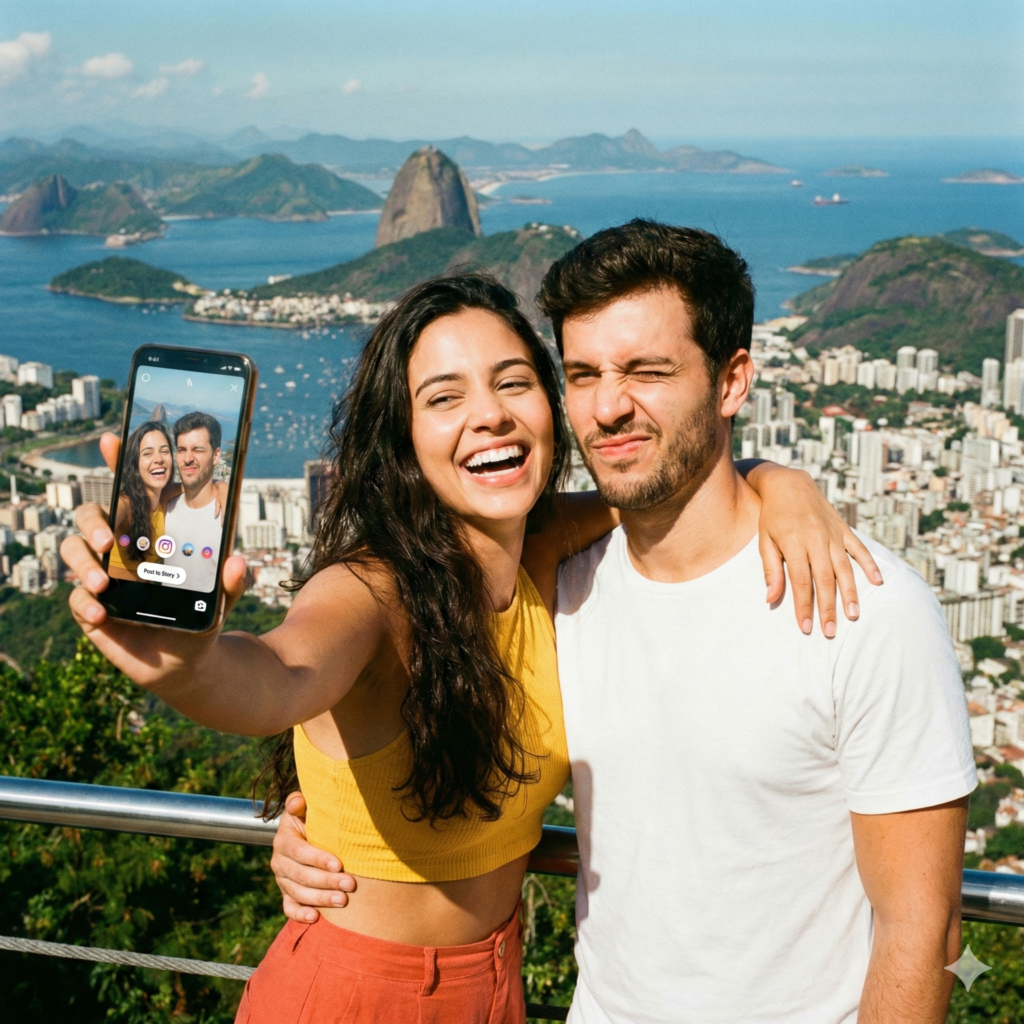
Broadcasting your exact location in real-time is essentially providing a roadmap for stalkers and a “clear to enter” sign for burglars.
The Danger of Geotagging
Most smartphones embed GPS coordinates into the metadata of photos. When you upload a photo directly from your camera roll to a platform like X or a public forum, you may be sharing your exact longitude and latitude.
“Checking In” at the Gym or Coffee Shop
If you consistently check in at the same gym every Tuesday at 6:00 PM, you are establishing a predictable pattern. This makes it incredibly easy for someone to know exactly where you will be and, more importantly, when you will not be at home.
4. Travel Plans and Vacation Photos
We all love to share our travel experiences, but doing so while you are still away is a major security lapse.
The “Empty House” Signal
Posting “See you in two weeks, Hawaii!” tells the world that your home is currently unoccupied. Professional burglars monitor social media for exactly these types of posts.
Photos of Boarding Passes
Never post a photo of your boarding pass. The barcode on a boarding pass contains your full name, frequent flyer number, and a “Record Locator” code. With this code, a stranger can go to the airline’s website, see your future travel plans, change your seat, or even cancel your return flight.
Strategy: Wait until you are safely back home to post your vacation “dump.” It keeps your home safe and allows you to enjoy your trip without the pressure of constant posting.
5. Professional and Workplace Details
Your professional life and social media life should have a clear boundary. Oversharing workplace details can lead to termination or corporate espionage.
Complaining About Your Boss or Clients
Employment is often “at-will.” Venting about a frustrating day at work might feel cathartic, but if a colleague or client sees it, it can lead to immediate disciplinary action.
Confidential Company Information
Accidentally including a whiteboard with a project timeline in the background of a “work from home” selfie can be a breach of a Non-Disclosure Agreement (NDA). Competitors often monitor social media to gain insights into a company’s upcoming products or internal struggles.
6. Information About Your Children and Family
Protecting the privacy of minors is a paramount concern. Children cannot give informed consent to have their lives documented online.
School Names and Uniforms
Photos of children in school uniforms or at “Back to School” events often reveal the name and location of the school. This is a massive safety risk. If you must share these photos, blur out logos and remove any landmarks that identify the location.
Sensitive Milestones
Sharing details about a child’s medical history, behavioral issues, or embarrassing moments creates a digital trail that they will have to deal with as adults. Respect their future autonomy by keeping these details private.
7. The Risks of Social Media Quizzes and “Challenges”
You’ve seen them: “What was your first pet’s name + the street you grew up on? That’s your Rockstar Name!”
Social Engineering in Disguise
These quizzes are almost always designed to harvest the answers to common security questions. “First pet,” “Mother’s maiden name,” “Model of your first car,” and “Your favorite teacher” are all standard password recovery questions. By participating, you are giving hackers the keys to your accounts.
8. Intimate or Emotional Oversharing (TMI)
“TMI” stands for “Too Much Information.” Sharing deeply personal or highly emotional content during a crisis can have long-term social and psychological consequences.
“Sadfishing” and Emotional Security
Posting for attention during an emotional breakdown can make you a target for “grooming” or manipulation. Predatory individuals look for people in vulnerable states to initiate contact and build fake rapport.
Relationship Dramas
Publicly arguing with a partner or airing dirty laundry about a breakup creates a permanent record of a temporary emotional state. It can affect future relationships and how you are perceived by your professional network.
How to Audit Your Own Social Media Security
To ensure your site visitors stay safe, it’s helpful to provide a proactive “Self-Audit” checklist.
-
Search Yourself: Use a private browser to search your name. See what photos and posts appear in Google Images.
-
Check Privacy Settings: Every six months, platforms like Facebook and Instagram update their privacy layouts. Go through every menu to ensure “Public” isn’t the default.
-
Audit Your Friends List: If you don’t know the person in real life, they shouldn’t have access to your personal photos.
-
Remove Old Apps: Many third-party apps have “read” access to your profile. Revoke access for any games or services you no longer use.
Cultivating a Mindful Online Presence
The internet is an incredible tool for connection, but it requires a high degree of “Digital Literacy.” By keeping your PII, financial data, and real-time location private, you significantly reduce your “attack surface” for cybercriminals.
Safety isn’t about hiding from the world; it’s about sharing with intention. Before you hit “Post,” ask yourself: Could this information be used against me in five years? If the answer is yes, or even “maybe,” keep it for your private photo album instead.