What is phishing and how to identify it?
Understand what phishing is and how to avoid falling for this scam
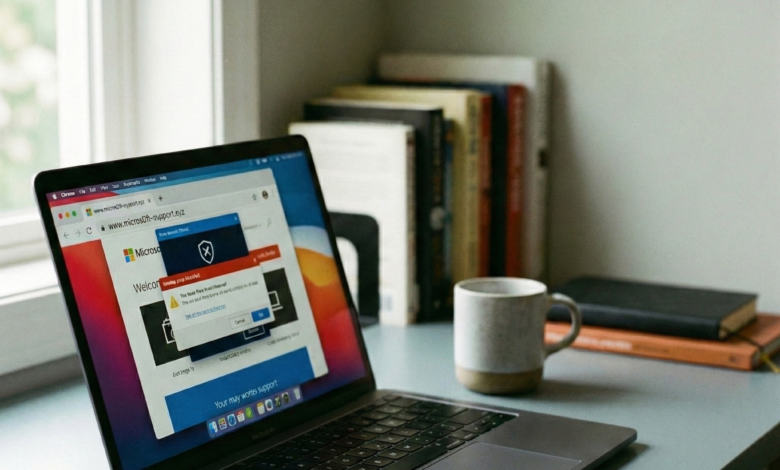
In the vast landscape of the internet, threats evolve at a breakneck pace. Among the most persistent and damaging of these threats is phishing. You have likely seen it in your inbox: an urgent message from your “bank” claiming your account has been compromised, or an email from a “shipping company” asking you to click a link to track a mysterious package.
Phishing remains the primary gateway for major cyberattacks, including identity theft, financial fraud, and ransomware. As we navigate the digital world in 2026, these attacks have become more sophisticated, often powered by Artificial Intelligence (AI) to create perfectly tailored deceptions. This guide will provide an in-depth look at what phishing is, how it has evolved, and—most importantly—how you can shield yourself from becoming its next victim.
What is Phishing? A Deep Dive into Digital Deception
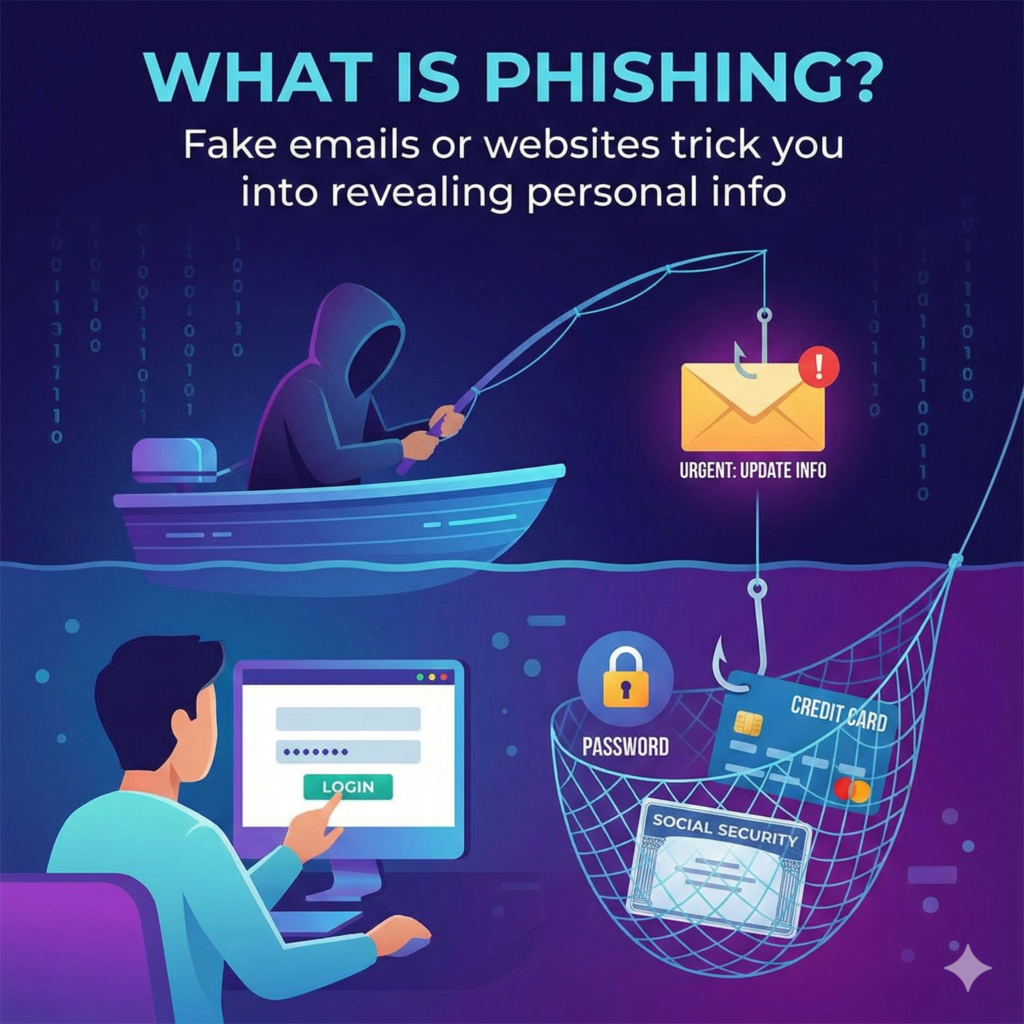
At its most basic level, phishing is a type of social engineering attack where a cybercriminal masquerades as a trusted entity to trick a victim into revealing sensitive information. This information often includes:
-
Login Credentials: Usernames and passwords for email, social media, or corporate portals.
-
Financial Data: Credit card numbers, bank account details, and CVV codes.
-
Personal Identity Information (PII): Social Security numbers, home addresses, and dates of birth.
The term “phishing” is a play on the word “fishing.” The attacker casts a “lure”—a fraudulent email, text, or website—hoping that a “fish” (the victim) will “bite” by clicking a link or providing data. Unlike traditional hacking, which targets software vulnerabilities, phishing targets the human element.
Why Phishing Remains a Top Security Threat
To understand why your site needs to prioritize phishing education, we must look at the data. Despite the advancement of security software, phishing success rates continue to climb. This is because attackers have moved away from “spray and pray” tactics to highly personalized, AI-driven campaigns.
For businesses and individuals alike, a single successful phishing attack can lead to:
-
Financial Loss: Direct theft from bank accounts or unauthorized credit card charges.
-
Reputational Damage: If a corporate account is hacked, sensitive client data may be leaked.
-
Data Breaches: Phishing is often the “initial access” vector for hackers to enter a network and install ransomware.
Common Types of Phishing Attacks in the Modern Era
Phishing is no longer limited to just emails. Cybercriminals have adapted their tactics to every communication channel we use.
1. Email Phishing
This is the most common form. Attackers send thousands of emails to various addresses, hoping a small percentage will click. These often mimic big brands like Amazon, Microsoft, or PayPal.
2. Spear Phishing
A highly targeted attack. Instead of sending generic emails to thousands, the attacker researches a specific person. They might mention your recent promotion, your child’s school, or a project you are working on to gain your trust.
3. Smishing (SMS Phishing)
With the rise of mobile usage, smishing has exploded. These are fraudulent text messages. A common 2026 tactic involves “unpaid toll” alerts or “unclaimed package” notifications that look like they come from official government or postal services.
4. Vishing (Voice Phishing)
Vishing uses phone calls. In the era of AI, attackers can now use “voice cloning” to mimic the voice of a company executive, a bank representative, or even a family member in distress.
5. Whaling
Whaling targets the “big fish”—high-level executives like CEOs and CFOs. These attacks often involve fake legal subpoenas or urgent corporate matters designed to bypass standard security filters.
6. Angler Phishing
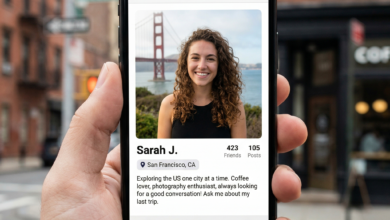
This takes place on social media. Scammers create fake customer service accounts that look exactly like the official accounts of banks or airlines. When you post a public complaint, the “angler” account replies, offering “help” and providing a link to a fake login page.
How to Identify a Phishing Email: The Ultimate Red Flag Checklist
Identifying a phishing attempt requires a keen eye. Even the most realistic emails usually have “tells” that give them away.
Check the Sender’s Address
Always hover your mouse over (or tap on) the sender’s name to see the actual email address. A message from “Bank of America” that comes from [email protected] is a fraud. Official organizations use their own primary domains (e.g., @bankofamerica.com).
Look for a Sense of Urgent Crisis
Phishing thrives on fear. If an email says, “Your account will be deleted in 24 hours,” or “Immediate action required to prevent a fine,” it is likely a scam. They want you to act before you have time to think.
Inspect the Hyperlinks
Never click a link without checking it first. Hover your cursor over the link to see the destination URL in the bottom corner of your browser. If the link text says “Click here to login” but the URL goes to a strange string of numbers or an unrelated domain, do not click.
Evaluate the Greeting and Language
While AI has improved the grammar of phishing emails, many still use generic greetings like “Dear Valued Customer” or “Dear Member.” Legitimate companies you have an account with will almost always address you by your first and last name.
Be Wary of Unusual Attachments
Banks and major services rarely send attachments like .zip, .exe, or even password-protected .pdf files. These are often containers for malware that can infect your system the moment they are opened.
The Psychology of the “Hook”: Why We Fall for Phishing
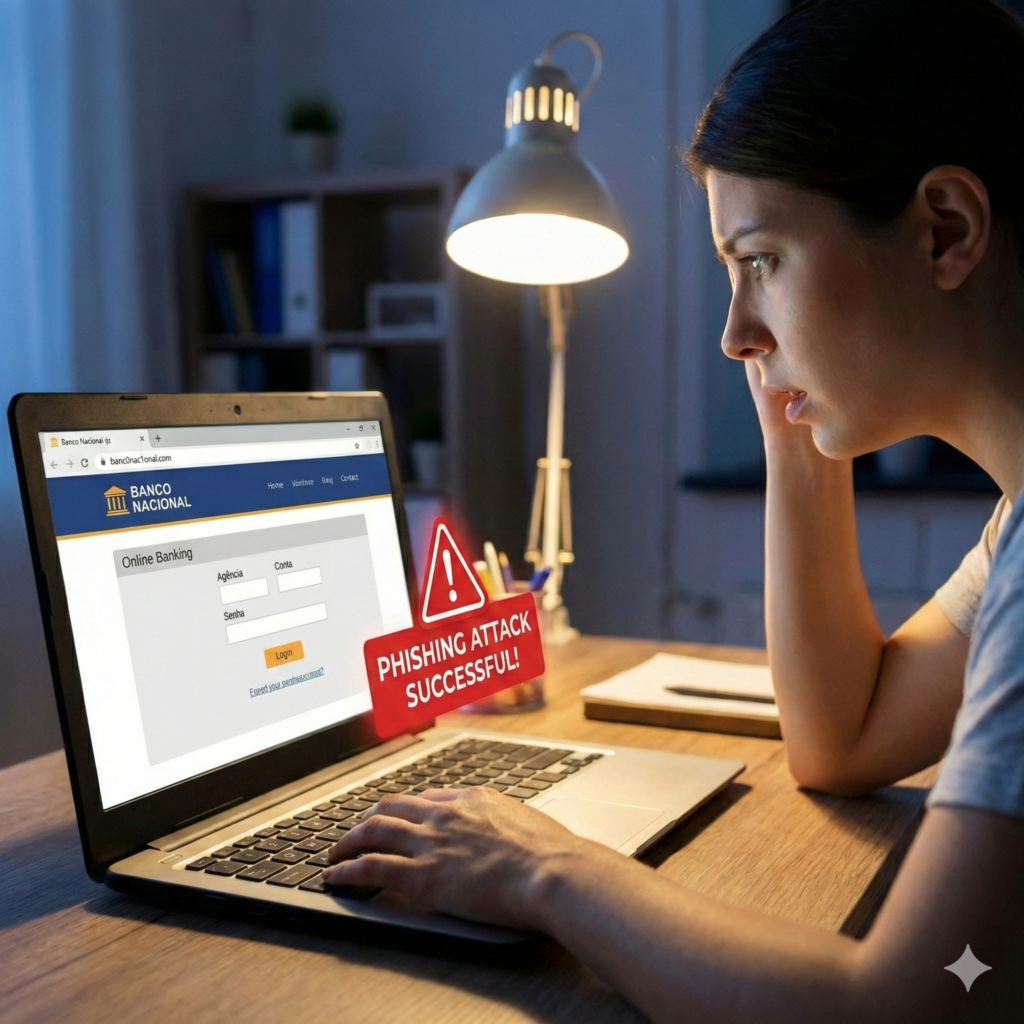
To protect yourself, you must understand why these attacks work. Social engineers exploit specific psychological triggers:
-
Trust in Authority: We are conditioned to obey requests from our bank, the IRS, or our boss.
-
Curiosity: “You won’t believe what someone posted about you!” links exploit our natural desire to know.
-
Helpfulness: Attacks pretending to be a colleague in trouble (“I’m locked out of the system, can you send me the code?”) exploit our desire to be a good coworker.
-
Greed: Fake crypto giveaways or “unclaimed inheritance” scams play on the hope for easy money.
Technical Defenses: Tools to Block Phishing Before It Reaches You
While human awareness is the best defense, technology provides a necessary safety net.
-
Multi-Factor Authentication (MFA): This is the single most important security step. Even if a phisher steals your password, they cannot access your account without the second factor (like an authenticator app code).
-
Email Security Protocols (SPF, DKIM, DMARC): If you own a business, ensure these protocols are active. they help verify that an email is genuinely from your domain, making it harder for scammers to “spoof” your brand.
-
Browser Protection: Modern browsers like Chrome, Safari, and Brave have built-in “Safe Browsing” lists that block known phishing sites automatically.
-
Spam Filters: AI-powered spam filters in Gmail and Outlook catch over 99% of generic phishing attempts.
What to Do If You Click a Phishing Link: A Step-by-Step Recovery Plan
Mistakes happen. If you realize you’ve been “phished,” you must act immediately to minimize the damage.
-
Disconnect from the Internet: If you downloaded an attachment, turn off your Wi-Fi or unplug your Ethernet cable. This can stop malware from communicating with the attacker’s server.
-
Change Your Passwords: Change the password for the account that was targeted. If you use that same password on other sites, change those as well.
-
Scan for Malware: Run a full system scan using a reputable antivirus program.
-
Contact Your Financial Institution: If you provided bank or credit card details, call your bank immediately to freeze your accounts and report the fraud.
-
Enable MFA: If you haven’t already, enable Multi-Factor Authentication on every important account you own.
-
Report the Incident: In the US, you can report phishing to the Anti-Phishing Working Group or the FTC at
ReportFraud.ftc.gov.
Future Trends: Phishing in the Age of Artificial Intelligence
As we move through 2026, the phishing landscape is shifting. Attackers are using Large Language Models (LLMs) to:
-
Eliminate Language Barriers: Phishing emails no longer have the “broken English” that was once a giveaway.
-
Generate Deepfakes: Phishing can now involve video calls where a “manager” or “friend” asks for sensitive data.
-
Real-Time Adaptive Phishing: Sites that change their appearance based on your location and device to look more convincing.
Staying safe requires continuous education. The methods may change, but the goal of the attacker remains the same: to exploit your trust.
Developing a “Security First” Mindset

Phishing is not a technical problem; it is a human problem. No matter how many firewalls or filters are in place, the final line of defense is you. By maintaining a healthy level of skepticism, verifying requests through secondary channels, and keeping your technical defenses updated, you can navigate the digital world with confidence.
Remember: if a request seems too urgent, too good to be true, or just slightly “off,” it probably is. Stop, look, and think before you click.