Is it safe to click on links sent in dating apps?
Understand how website links can be dangerous
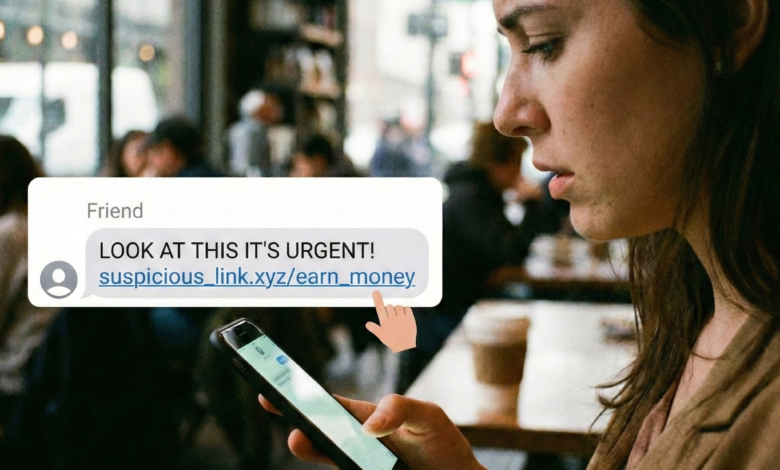
You’ve been swiping for a few days, and finally, you’ve matched with someone who seems perfect. The conversation is flowing, the chemistry is palpable, and then it happens: they send you a link. Maybe they want you to see a “private gallery” of photos, check out a “cool song” they wrote, or—most commonly in 2026—click a link to “verify your identity” so they feel safe meeting you.
It feels like a small, harmless request. But in the world of online dating, a single click can be the difference between a successful romance and a devastating financial or personal crisis.
As dating apps like Tinder, Bumble, and Hinge continue to evolve, so do the tactics of the predators who inhabit them. Today, clicking a link sent by a stranger is one of the highest-risk actions you can take. This guide will explore the hidden architecture of these links, the psychology behind why we click them, and the advanced steps you can take to protect your digital life.
Why Dating Apps Are a Goldmine for Malicious Links

The environment of a dating app is uniquely suited for social engineering. Unlike an unsolicited email from a “bank” or a random text message from a “delivery service,” a message on a dating app comes from someone you have already expressed interest in.
The emotional connection created through swiping and initial chatting acts as a psychological buffer. We are naturally more inclined to trust someone we find attractive or interesting. Cybercriminals know this. They aren’t just hacking your phone; they are hacking your human desire for connection.
The Rise of “Verification Scams” in 2026
In recent years, the “Verification Scam” has become the primary weapon of choice. The scammer tells you they’ve had a bad experience with a “catfish” or a dangerous person in the past. To ensure you’re real, they ask you to click a link to a “free” or “official” verification service.
These websites are masterfully designed to look like legitimate security platforms, often featuring fake news articles or testimonials. Once you enter your information—or even just click the link—you are handing the keys to your digital identity to a criminal.
The Technical Reality: What Actually Happens When You Click?
Many people believe that if they click a link and don’t type anything into a form, they are safe. This is a dangerous misconception. Modern web technology allows for several types of “silent” attacks that can occur the moment a page begins to load.
1. IP Loggers and Location Tracking
A “tracking link” (often called a “canary token” or “IP logger”) is designed to record information about the person who clicks it. When you click, the attacker immediately receives:
-
Your IP Address: Which can be used to determine your approximate physical location (city and neighborhood).
-
Device Information: The model of your phone, your operating system, and your battery level.
-
Browser Data: Which can reveal other accounts you are currently logged into.
For a potential stalker, knowing your neighborhood is often the first step in finding your home.
2. Drive-By Downloads and Mobile Malware
In some cases, the link leads to a site that triggers a “drive-by download.” This is an automated process where malicious code (spyware or a Trojan) is installed on your smartphone without you ever clicking “Download.”
Once installed, this software can:
-
Log your keystrokes: Capturing your banking passwords as you type them.
-
Access your camera and microphone: Allowing the attacker to spy on you in real-time.
-
Mirror your screen: Letting the hacker see everything you see on your phone.
3. Session Hijacking
Advanced links can attempt to steal your “session cookies.” These are the digital tokens that keep you logged into apps like Gmail, Instagram, or your bank. If an attacker steals these, they can log into your accounts as “you” without ever needing your password or your two-factor authentication (2FA) code.
How to Spot a Malicious Link: The “Red Flag” Checklist
Cybercriminals are getting better at hiding their tracks, but they almost always leave breadcrumbs. Before you even consider clicking a link, run through this checklist.
Check for URL Shorteners
Scammers love services like bit.ly, tinyurl.com, or cutt.ly. These services allow them to hide the true destination of the link. While legitimate businesses use these for marketing, they have no place in a private dating conversation.
The Rule: If the link is shortened and you can’t see the final destination, do not click it.
Analyze the Domain Name
Look closely at the URL. Scammers often use “look-alike” domains that use subtle misspellings to trick your eyes:
-
Legitimate:
tinder.com -
Malicious:
tlnder-verify.netortinder-security-check.com
Assess the Context
Does the link make sense in the flow of the conversation? If you’re talking about your favorite food and they suddenly send a link to a “movie trailer,” be suspicious.
The “Urgency” Test
Does the link come with a threat or a high-pressure request?
-
“Click this now or I won’t meet you.”
-
“I need you to verify this in the next 10 minutes.”
-
“My account is about to be deleted, click here to find me on my private site.”
The Dangerous Move: Taking the Conversation “Off-App”
One of the most common precursors to a malicious link is the request to move the conversation to WhatsApp, Telegram, or Snapchat.
Dating apps have built-in security layers. Their AI scans for known malicious URLs and can block a scammer’s account before they cause harm. When you move to an encrypted messaging app, you are leaving that “safety net.” Scammers want you off-app so they can send links that would have been blocked by Tinder’s or Bumble’s security filters.
| On-App Messaging | Off-App (WhatsApp/Telegram) |
| Monitored: Security AI blocks suspicious links. | Unmonitored: No one is watching for malicious links. |
| Accountability: Scammers can be banned and flagged. | Anonymity: Scammers can disappear and reappear easily. |
| Restricted Media: Limits on what can be sent/received. | Unrestricted: Full access to send malware or files. |
Advanced Protection: How to Verify a Link Safely
If you are genuinely curious about a link but want to remain safe, there are professional tools you can use to “preview” the destination without putting your device at risk.
1. Use a URL Expander
Websites like ExpandURL or Urlex.org allow you to paste a shortened link (like a Bitly link) to see exactly where it is pointing before you ever visit it.
2. Use a “Link Scanner”
Before clicking, copy the link and paste it into a reputable scanner like VirusTotal or Google Safe Browsing. These tools will check the URL against a global database of known phishing sites and malware distributors.
3. Inspect via a “Browser Sandbox”
Advanced users can use a “sandbox” or a “virtual browser” to open a link in an isolated environment. This ensures that even if the link is malicious, it cannot touch your actual phone or your personal data.
What to Do If You’ve Already Clicked
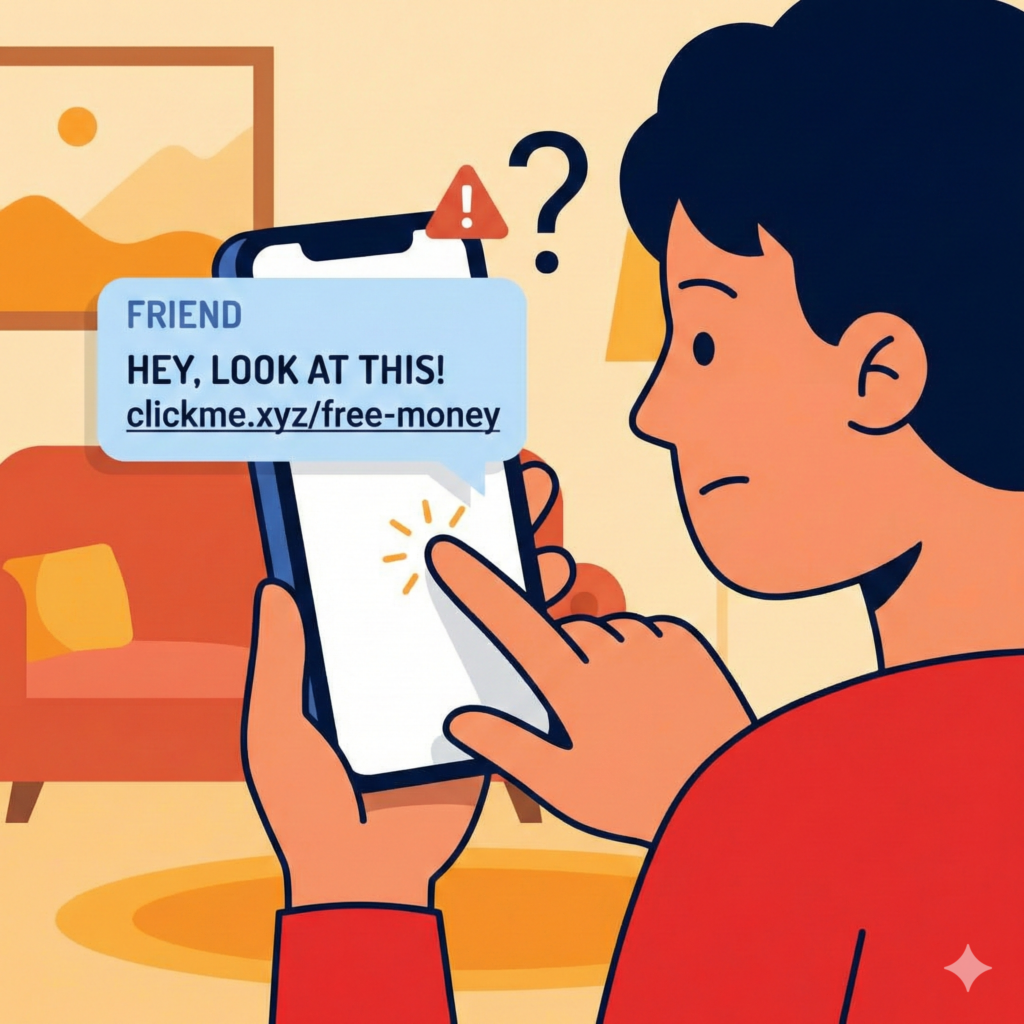
If you realize too late that you’ve clicked a suspicious link, don’t panic. Speed is your best defense.
-
Disconnect Immediately: Turn off your Wi-Fi and mobile data (Airplane Mode). This can stop a malware installation or a data transfer mid-stream.
-
Clear Your Browser Data: Go into your phone settings and clear your browser’s cache, cookies, and history. This can remove malicious session tokens.
-
Perform a Security Audit: Check your recent login activity for Google, iCloud, and your banking apps. If you see a login from an unfamiliar device, log out of all sessions immediately.
-
Update Your Passwords: If the link led to a fake login page, your password is now in the hands of a criminal. Change it immediately using a different, secure device.
-
Scan for Malware: Use a reputable mobile security app (like Bitdefender or Norton) to run a deep scan of your device for hidden spyware.
The Role of AI in 2026 Dating Scams
As we navigate 2026, we are seeing the rise of AI-Personalized Phishing. Scammers now use Large Language Models (LLMs) to analyze your dating profile and craft the “perfect” link hook. If you mention you love a specific indie band, the AI can generate a fake news article or a Spotify “playlist” link that is specifically designed to bypass your skepticism.
Furthermore, deepfake technology is being used to “verify” the person sending the link. You might have a 30-second video call with someone who looks exactly like their photos, only for them to send a malicious link immediately after.
Trust, but Verify
Online dating is an incredible tool for finding connection, but it requires a “Security-First” mindset. The excitement of a new match should never override your digital intuition.
In 2026, the safest rule of thumb is simple: Never click a link sent in a dating app chat. If a person wants to share a song, they can tell you the name. If they want to share photos, they can upload them to their profile. If they want to “verify” you, they should use the dating app’s official, built-in verification features.
Your data, your location, and your financial security are far too valuable to risk for a single click. Stay alert, stay skeptical, and keep the romance in the app—and the links in the trash.