Is it safe to share photos on dating apps?
Find out if it's safe to post your photos on dating apps
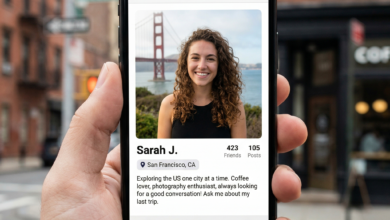
In the visual-heavy world of 2026 dating, your photos are your digital storefront. Whether you are on Tinder, Bumble, Hinge, or more specialized platforms, your images are usually the first (and sometimes only) thing a potential match sees before deciding to swipe. While photos are essential for building trust and establishing a connection, they also carry hidden risks that many users overlook.
Sharing photos on dating apps is a trade-off between visibility and vulnerability. From hidden GPS data to the rise of AI-driven scams, the “simple” act of uploading a selfie can have long-lasting implications for your privacy, physical safety, and professional reputation. This guide explores the dangers of photo sharing in the modern dating era and provides actionable steps to keep your digital identity secure.
The Hidden Data Threat: Understanding Metadata and EXIF Files
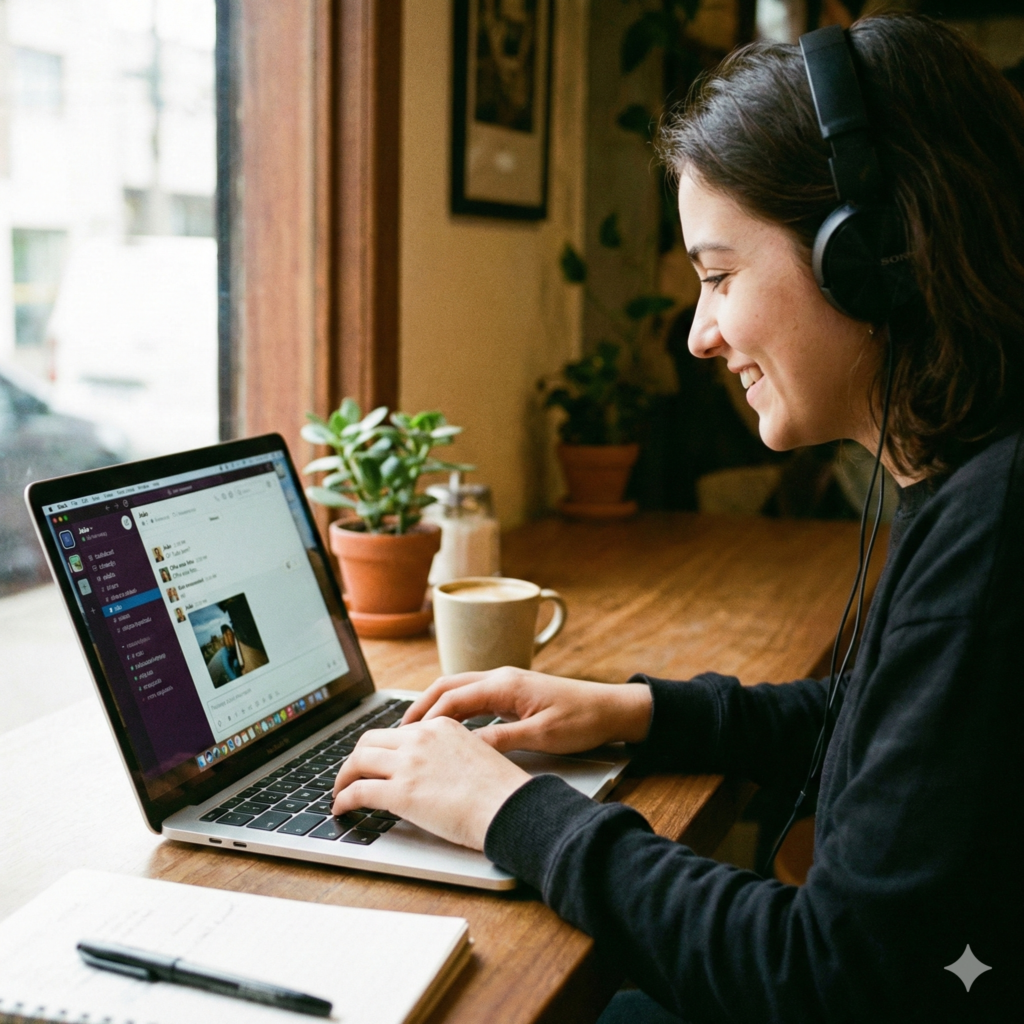
When you take a photo with a modern smartphone, the device doesn’t just capture an image; it records a treasure trove of data known as EXIF (Exchangeable Image File Format). This metadata is embedded in the file and can include:
-
GPS Coordinates: The exact longitude and latitude of where the photo was taken.
-
Time and Date: When the photo was snapped, which can help someone track your routine.
-
Device Info: The model of your phone, which can be used for targeted “vishing” or technical hacking.
Do Dating Apps Protect You from Metadata?
Most major dating apps (like those owned by Meta or Match Group) automatically “strip” or remove EXIF data when you upload a photo to your public profile. However, this protection often disappears when you move the conversation off-platform. If you send a photo directly to a match via WhatsApp, Telegram, or SMS, that file likely still contains your home or office coordinates.
The Fix: Use a “Metadata Scrubber” app or adjust your phone settings to disable location recording for your camera app before taking photos intended for the web.
Visual OSINT: How Background Details Reveal Your Location
In the world of cybersecurity, OSINT (Open Source Intelligence) refers to the practice of gathering information from public sources. Stalkers and scammers have become amateur OSINT experts. They don’t need your GPS coordinates if your photo provides enough visual clues.
Common Background “Leaks” to Avoid:
-
Street Signs and House Numbers: Even a partial view of a sign in the background can be cross-referenced with Google Street View.
-
Unique Landmarks: A specific bridge, a local park bench, or a uniquely shaped skyscraper can narrow your location down to a few blocks.
-
Workplace Logos: Wearing a company lanyard, sitting in a branded office chair, or having a company mug on your desk allows a stranger to find your place of employment.
-
Reflections: High-resolution cameras can capture reflections in windows, sunglasses, or mirrors that reveal the interior of your home or the layout of your street.
Safety Rule: Before uploading, zoom in on the background of your photos. If you can see where you live, work, or frequently hang out, crop the image or choose a different one.
The Rise of AI and Image Manipulation in 2026 Dating Scams
As we navigate 2026, Artificial Intelligence has added a new layer of complexity to photo safety. “Catfishing” is no longer just about using someone else’s old photos; it’s about AI-generated deception.
Deepfakes and Image Harvesting
Scammers often “harvest” photos from legitimate users to feed into AI models. They can take a single photo of you and use AI to create a video of “you” saying things you never said or appearing in places you’ve never been. This is often used in Sextortion scams, where a perpetrator creates a fake explicit image of you using your face and threatens to send it to your family or employer unless you pay a ransom.
Protecting Against AI Misuse
-
Watermark Your Photos: Subtle watermarking or using apps that add a “noise” layer to photos can make them harder for AI models to scrape and manipulate.
-
Avoid “Live” Photo Requests: If a match is constantly asking for “fresh” or “live” selfies, they might be gathering data points to train a deepfake model of your face.
Professional Identity Risk: The LinkedIn-to-Tinder Pipeline
Many professionals use the same high-quality headshot for both their LinkedIn profile and their dating apps. While it’s convenient, it creates a direct link between your romantic life and your career.
If a stranger uses a Reverse Image Search (like Google Lens or TinEye) on your dating photo and it leads directly to your LinkedIn, they immediately have access to:
-
Your full name.
-
Your current and past employers.
-
Your professional connections.
-
Your educational background.
The Strategy: Use “exclusive” photos for dating apps that you do not use anywhere else on the internet. This prevents a simple image search from revealing your entire professional history to a stranger you just met.
The Psychology of Intimate Photos and the Risk of “Sextortion”
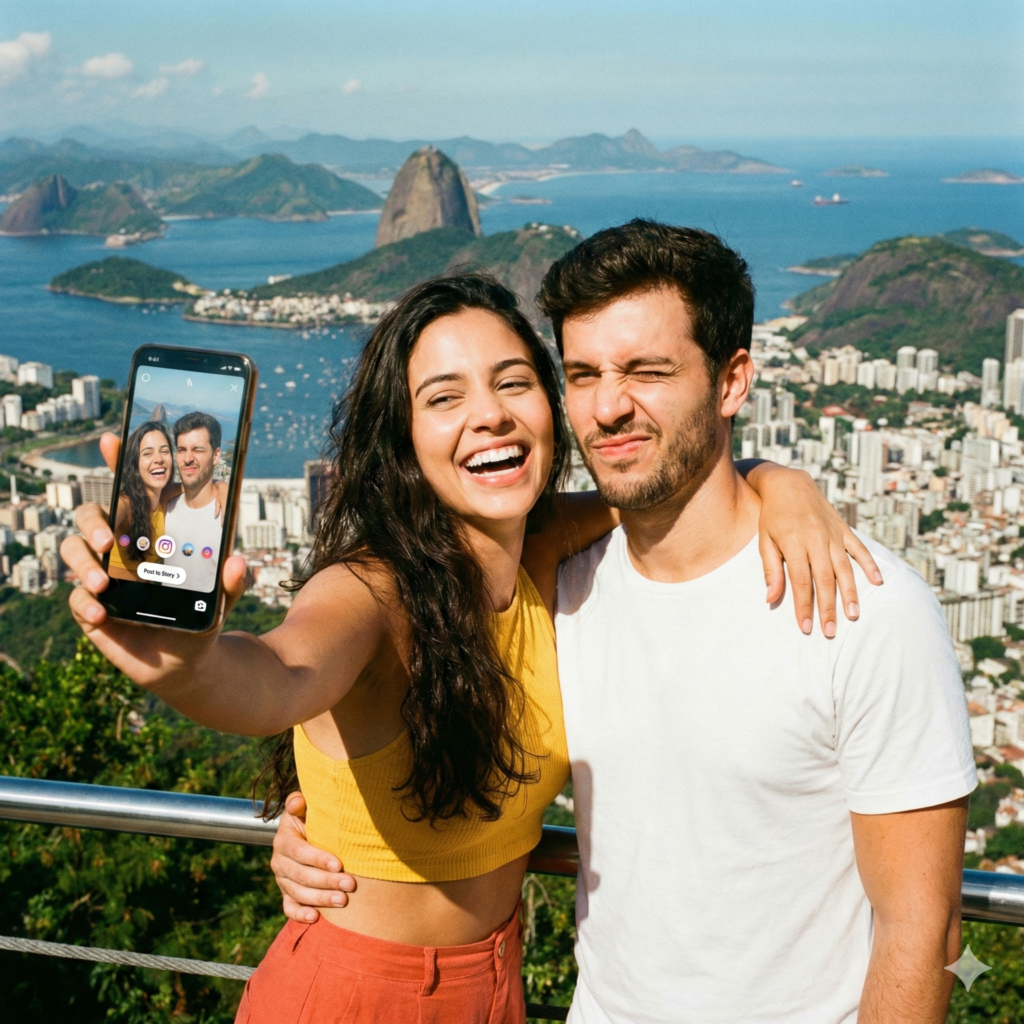
The pressure to share intimate or “suggestive” photos is a reality in online dating. However, sharing these images with someone you haven’t met in person—or even someone you have—carries extreme risk.
What is Sextortion?
Sextortion occurs when someone threatens to release private, sensitive, or sexual material to shame or bankrupt a victim. In many cases, the “person” you are chatting with isn’t a romantic interest at all, but a criminal organization operating overseas.
How to Stay Safe:
-
Never Include Your Face: If you choose to share intimate photos, never include your face, unique tattoos, or identifiable birthmarks.
-
Use Disappearing Features: If you must send a sensitive photo, use “View Once” features on apps like WhatsApp, though remember that screenshots are still possible.
-
Trust Your Gut: If the request for photos feels rushed or transactional, it is a massive red flag.
Step-by-Step: How to Safely Audit Your Dating App Gallery
Before your next swipe session, take five minutes to perform this safety audit on your current profile:
-
The Landmark Check: Do any of my photos show my balcony view, my front door, or my favorite local coffee shop?
-
The “Work” Check: Am I wearing a uniform, a badge, or standing in front of my office building?
-
The “Family” Check: Are there photos of my children or younger siblings? (Minors should never be on dating apps).
-
The Reverse Search Test: Download your own profile picture and run it through Google Lens. What comes up? If your Facebook or LinkedIn appears, change the photo.
-
The “Car” Check: If there is a car in your photo, is the license plate visible?
What to Do If Your Photos Are Stolen or Misused
If you discover that someone is using your photos to “catfish” others, or if your images have been leaked, you have resources:
-
Report within the App: All major dating apps have a “Reporting” feature for impersonation.
-
DMCA Takedown: If your photos (which you own the copyright to) are posted on a website without your permission, you can file a DMCA takedown notice with the site’s hosting provider.
-
NCMEC and CyberTipline: For cases involving the misuse of images of minors or extreme harassment, contact official cybercrime authorities.
Balancing Authenticity with Security
Is it safe to share photos on dating apps? It can be, provided you are the one in control of the data. Your photos should tell a story about your personality and interests, not provide a map to your front door. By being mindful of metadata, background clues, and the risks of AI, you can present an authentic version of yourself while keeping your private life strictly private.
Remember, the goal of a dating app is to get you off the app and into a safe, in-person meeting. Until that trust is built, your photos are your most valuable—and vulnerable—assets.